How AI Changed the Way We Iterate on UI Design
Our design process used to live entirely in Figma, where every direction cost real hours. Now we produce many UI iterations quickly, sometimes as generated images, sometimes as working frontend code, and pick the best one.

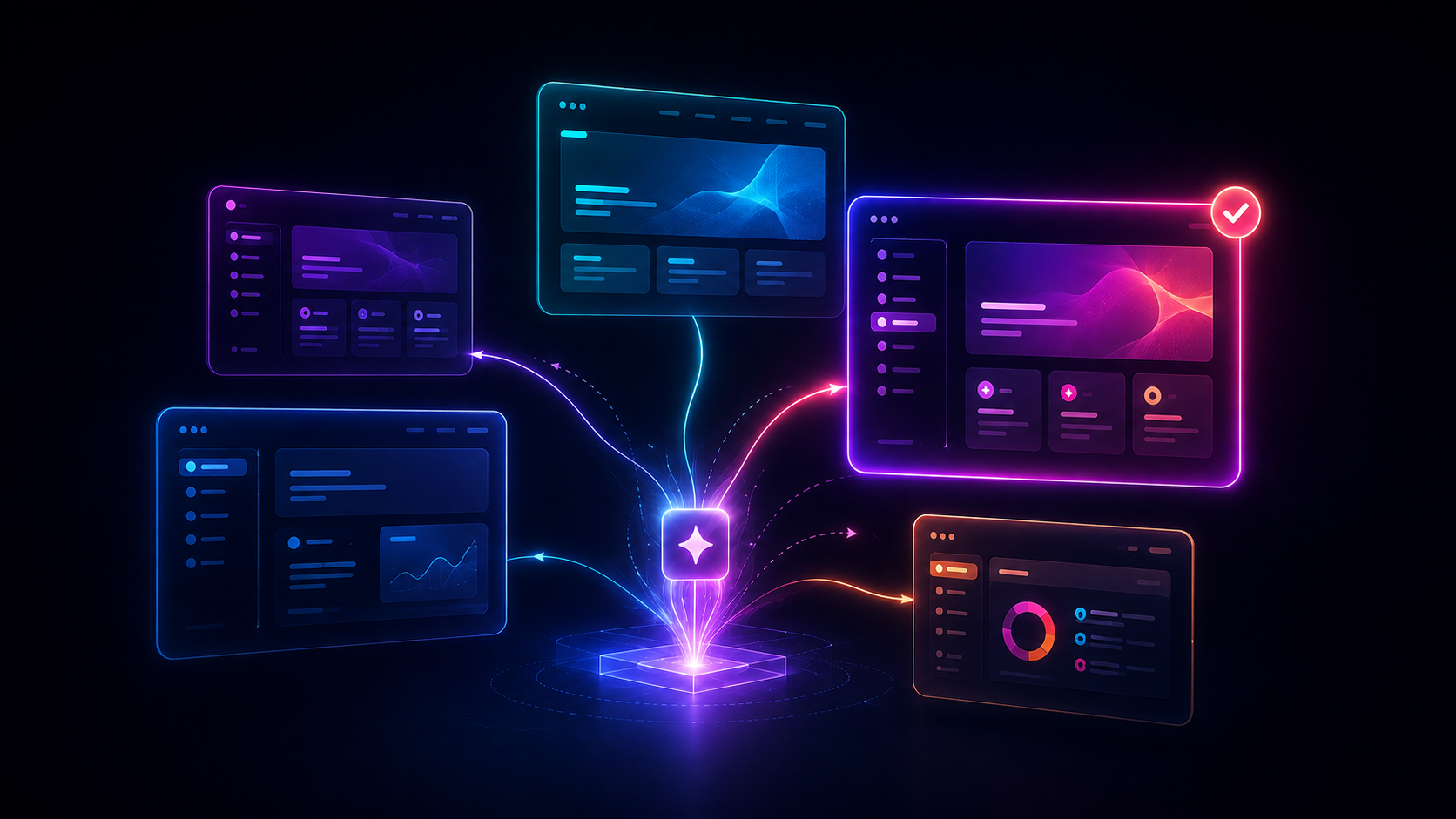
Until recently, our design process lived entirely in Figma. Every project started the same way: sketches, moodboards, reference hunting, then one carefully built direction presented to the client. If it missed, we built another one.
Each direction cost real hours. So we could only afford to explore a handful per project, and that constraint shaped everything. We weren't picking the best direction from many. We were picking the least risky direction we could afford to build.
That's the part AI changed for us. Not one tool, not one step. Trying a UI direction became cheap, so we now produce several real iterations of a screen quickly, put them side by side, and pick the best one before the client has seen anything.
In practice this happens through two routes.
Route one: images first, then Figma
The first route starts with image generation. We describe the product, the audience, and the screen to ChatGPT or Gemini and generate a set of visual directions. We tried Adobe Firefly for this first, but its prompt input was too limited for the level of detail we needed to describe, so we dropped it.
Most of what comes out is throwaway. That's fine. It took minutes, not hours, and the point of a cheap iteration is that you can discard it without flinching. The one or two directions worth keeping go into Figma, where we rebuild them properly with Figma Make: real content, real spacing, real components.
Before anything reaches the client, we usually spend one more cheap iteration on a critique pass, asking AI to poke at hierarchy, spacing, and clarity. It's wrong often enough that we treat its output as a checklist to evaluate, not a verdict to follow. But it catches real issues at the stage where fixing them costs minutes.
One recent client feature went through exactly this path: a generated image as the starting point, built out in Figma Make with context about the product, refined once, and approved on the first review.
Route two: straight to working frontend
The second route skips static design entirely.
For an internal email-campaign tool we built recently, the first versions of the interface were never designed as images or Figma files at all. We prompted them directly as working frontend code with Claude Code and Codex. The design file was the running app. Iterating meant describing a change and reloading the browser. Judging a direction meant clicking through it instead of imagining it.
This route isn't right for everything. It works best on functional, data-heavy products, where seeing real interactions matters more than pixel polish. For brand-heavy work we still go through images and Figma, because there the visual direction is the product.
Where it doesn't work yet
Not everything AI produces survives contact with a real project. Firefly didn't. Plenty of generated directions don't either; discarding most of them is the process working, not failing.
And design changes themselves are still manual work in Figma. We're testing Figma's agent capabilities for that part, but it hasn't earned a place in the standard process yet.
Why this matters
Speed is the obvious benefit, but it isn't the interesting one. Cheap iterations change what you're selecting from. You stop defending the one direction you could afford to build and start comparing real options.
What hasn't changed is who decides. Which iteration ships, and the responsibility for that call, sits with our designers on every project.
If you're curious what this would look like on your product, we're easy to reach through our contact page.
Next step
Working on something this applies to?
The journal is where we think out loud. If this note sounds like your situation, the conversation is one message away.